Connecting ClickHouse
Create a dbt project. In this case we name this after our imdb source. When prompted, select
clickhouseas the database source.clickhouse-user@clickhouse:~$ dbt init imdb
16:52:40 Running with dbt=1.1.0
Which database would you like to use?
[1] clickhouse
(Don't see the one you want? https://docs.getdbt.com/docs/available-adapters)
Enter a number: 1
16:53:21 No sample profile found for clickhouse.
16:53:21
Your new dbt project "imdb" was created!
For more information on how to configure the profiles.yml file,
please consult the dbt documentation here:
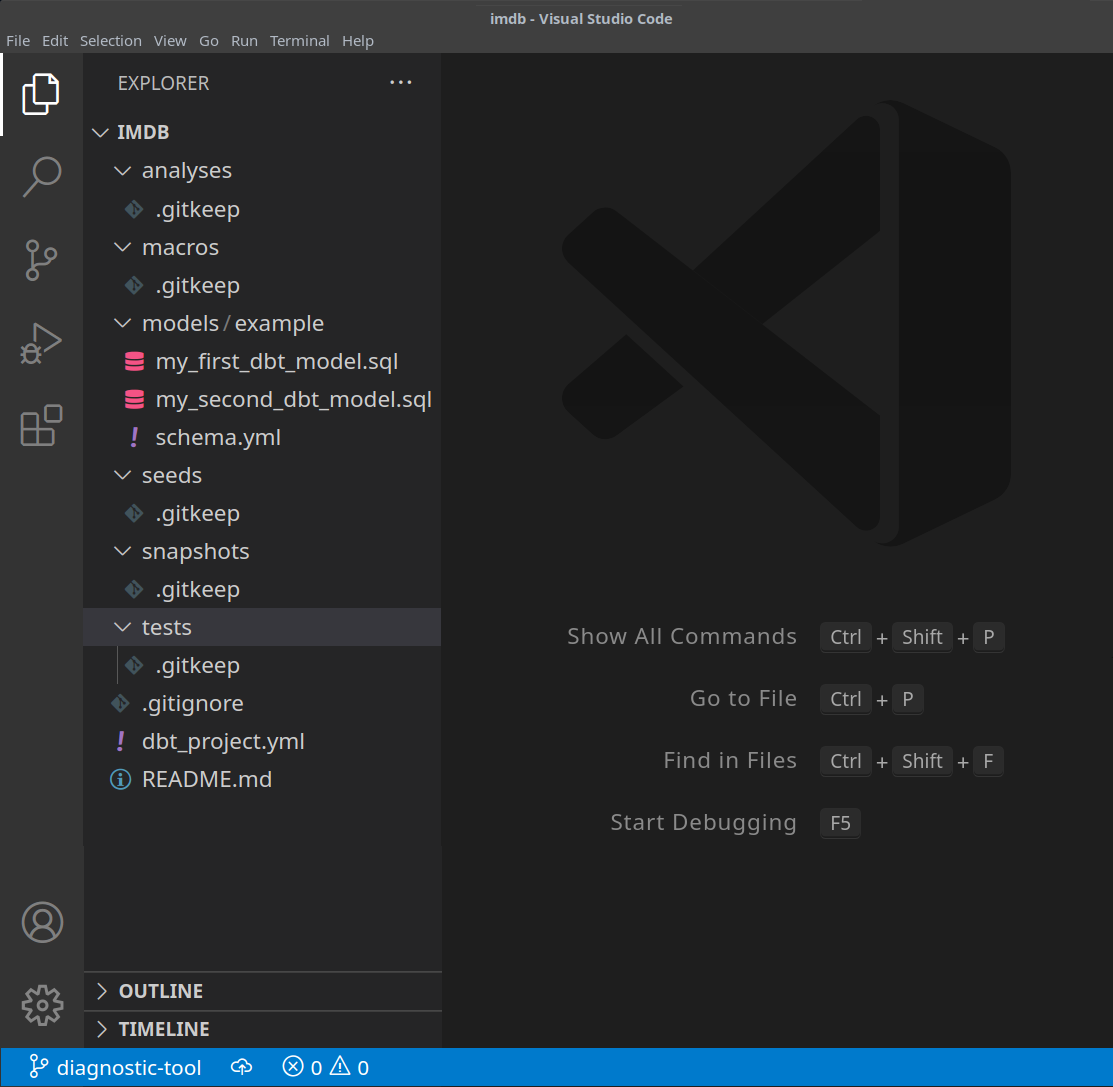
https://docs.getdbt.com/docs/configure-your-profilecdinto your project folder:cd imdbAt this point, you will need the text editor of your choice. In the examples below, we use the popular VSCode. Opening the IMDB directory, you should see a collection of yml and sql files:
Update your
dbt_project.ymlfile to specify our first model -actor_summaryand set profile toclickhouse_imdb.

We next need to provide dbt with the connection details for our ClickHouse instance. Add the following to your
~/.dbt/profiles.yml.clickhouse_imdb:
target: dev
outputs:
dev:
type: clickhouse
schema: imdb_dbt
host: localhost
port: 8123
user: default
password: ''
secure: FalseNote the need to modify the user and password. There are additional available settings documented here.
From the IMDB directory, execute the
dbt debugcommand to confirm whether dbt is able to connect to ClickHouse.clickhouse-user@clickhouse:~/imdb$ dbt debug
17:33:53 Running with dbt=1.1.0
dbt version: 1.1.0
python version: 3.10.1
python path: /home/dale/.pyenv/versions/3.10.1/bin/python3.10
os info: Linux-5.13.0-10039-tuxedo-x86_64-with-glibc2.31
Using profiles.yml file at /home/dale/.dbt/profiles.yml
Using dbt_project.yml file at /opt/dbt/imdb/dbt_project.yml
Configuration:
profiles.yml file [OK found and valid]
dbt_project.yml file [OK found and valid]
Required dependencies:
- git [OK found]
Connection:
host: localhost
port: 8123
user: default
schema: imdb_dbt
secure: False
verify: False
Connection test: [OK connection ok]
All checks passed!Confirm the response includes
Connection test: [OK connection ok]indicating a successful connection.